Financial Literacy Academy
From explanation to a working calculation.
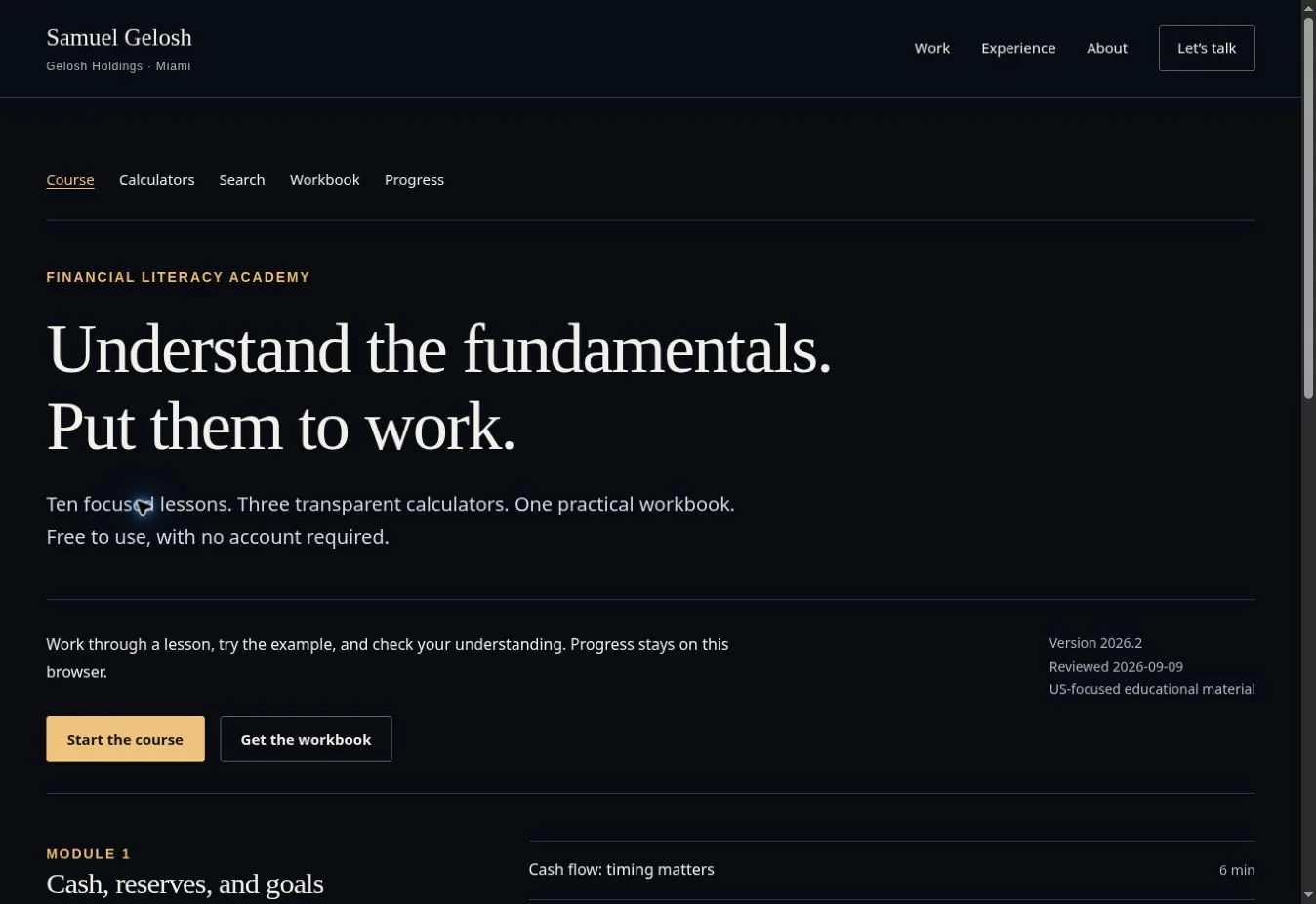
Ten lessons, twenty concept checks, three calculators, and a workbook connected in one complete learning experience.
- Status
- Focused learning release
- My role
- Direction, implementation & review
- Explore
- Try the Academy
The brief
I built the Financial Literacy Academy around a complete learning experience: understand an idea, work through an example, check the reasoning, and apply it to a transparent calculation. Content design and application behavior are part of the same product, so a learner can move between reading, practice, and a workbook without an account.
My contribution
- Structure lessons around cash flow, emergency reserves, time horizons, interest, inflation, diversification, fees, account security, and phishing.
- Connect each explanation to an example, an exercise, a solution, and a meaningful concept check, with educational sources attached to the lesson.
- Implement compound-growth, purchasing-power, and annual-fee calculators with input validation and year-by-year tables.
- Provide course search, device-local learning progress, and a substantive workbook in PDF, HTML, and ZIP formats.
The experience, step by step
- Learn
Read a distinct explanation and inspect its worked example and sources.
- Check
Answer a concept question and use the explanation to examine the reasoning.
- Apply
Change a calculator’s assumptions or complete the corresponding workbook exercise.
Decisions that shaped the product
Make the calculation inspectable
The calculators use explicit formulas instead of generated numerical answers. Inputs, assumptions, and annual values are visible. An invalid or missing input suppresses the result and explains what needs to change, rather than producing a convincing but unusable number.
Keep search within the course
Search retrieves relevant lessons and their sources. It does not impersonate a financial adviser or invent a response outside the material. This keeps the learner’s next step connected to content they can inspect.
Remove unnecessary account friction
A learner can start immediately and keep progress in the current browser. This makes the course accessible without collecting personal financial accounts or identity information. Cross-device progress would require a separate account and data design.
A useful failure: the wrong lesson for the right question
Review found compound-interest questions returning the wrong topic. The corrected search weighs lesson titles and subject terms, requires meaningful query coverage, and checks both supported questions and out-of-scope requests. Calculator review also covers boundary inputs and unknown tool routes, where the interface must explain the problem instead of crashing.
Explore the work
Follow one idea end to end
Read Compound interest and answer its concept check. Then open the calculator and connect the explanation to a numerical example.
Read the compound-interest lessonCheck the arithmetic yourself
Enter a starting balance of 1,000, a 10% annual rate, two years, and annual compounding. The result is 1,210. Clear a required input to inspect the validation behavior.
Try compound growthInspect the method
The methodology describes calculation assumptions and course completion rules. Every lesson connects back to its educational sources.
Read the calculation methodsWhere it stands
A working, account-free learning application with ten distinct lessons, twenty concept checks, three calculators, course search, and an accompanying workbook. Content and calculation behavior have automated checks. The course provides general US-focused education; scenario results are simplified illustrations, and progress stays in the current browser.
Next case study
VireoHave a similar problem to work on?
Talk with me